CAD software with a mind of its own

Design software that works with you. Meet Genie.

DesignXGenie is a full-fledged CAD platform for industrial and part design — with Genie, an AI co-designer built right into the modeling environment. Click a face, say "add a chamfer here," and watch it happen. You stay in command; Genie handles the grunt work.

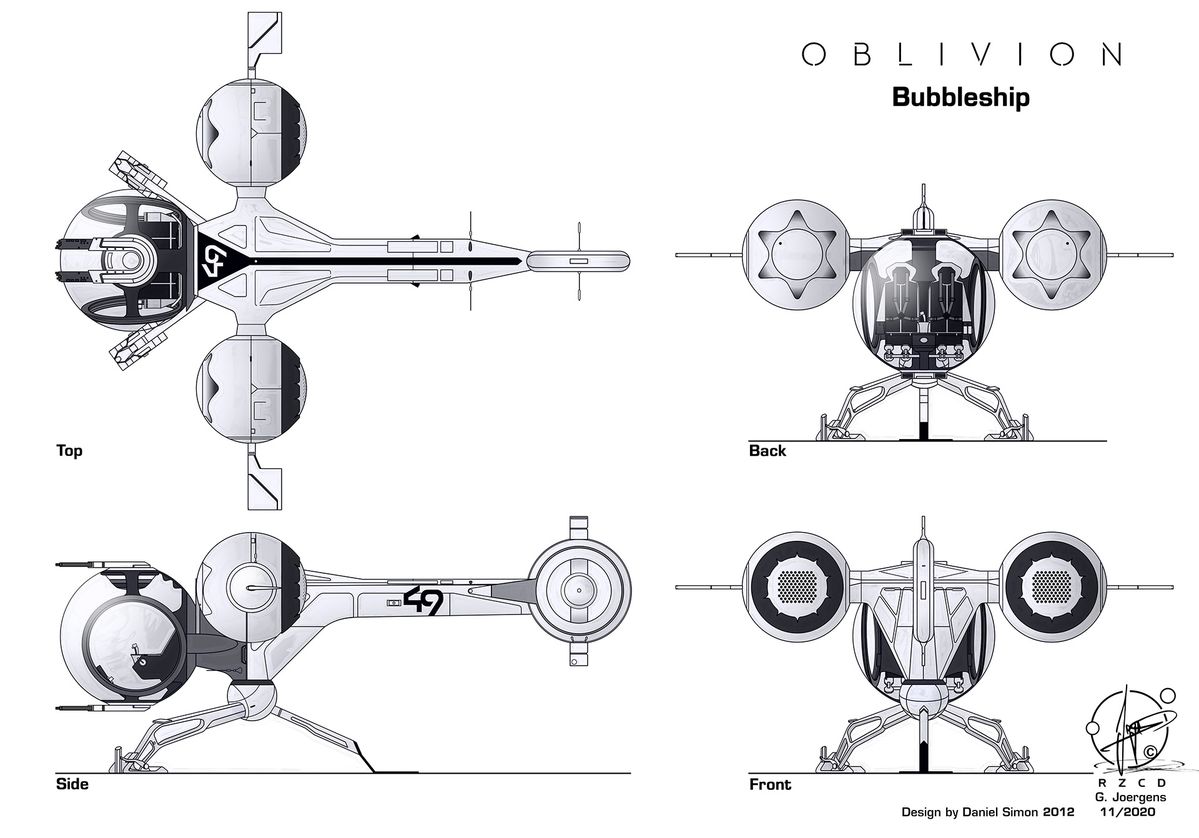
Spaceship engineering blueprint with multi-view CAD design

Great designers spend most of their day on clicks, not creativity

Every physical product begins as a CAD file. Yet building that file is still a painstaking, manual craft — hunting through menus, repeating the same fillets, chamfers, and holes feature by feature, part after part. The hours lost to repetitive modeling are hours stolen from real engineering.

Traditional CAD tools treat the designer as the only intelligence in the room. Every operation, however routine, demands their hands on the mouse. We built DesignXGenie differently — a professional design environment where an AI co-designer shares the workload, so your focus stays on the design intent, not the button-clicking.

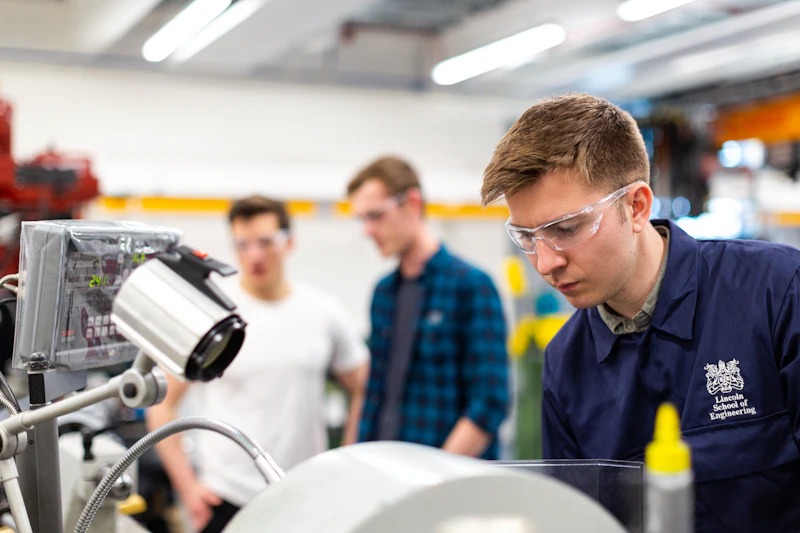
Engineering design and manufacturing process

Genie: the AI agent that models alongside you

Genie lives inside the DesignXGenie canvas — not in a separate chat window, but right there in your workspace, aware of your part, your features, and your selections. Click a face and type "chamfer this at 2 mm," or select a plane and say "put an M6 hole through the center" — Genie executes it instantly.

Type your request or just speak it — Genie understands both. It knows the language of engineering: fillets, patterns, shells, draft angles, threads. Every operation it performs lands in your feature tree as a clean, fully parametric step you can edit, reorder, or roll back like any other.

It's a true collaborator — you make the design decisions, Genie does the heavy lifting, and your workload shrinks with every command.
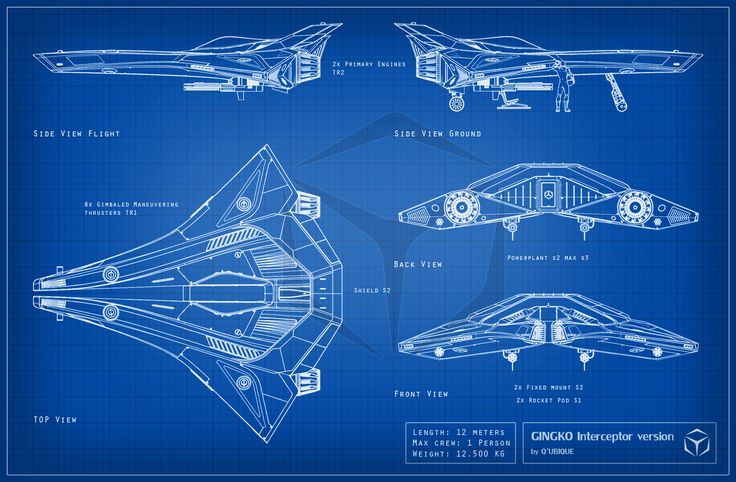
Engineering blueprint showing multi-view CAD design
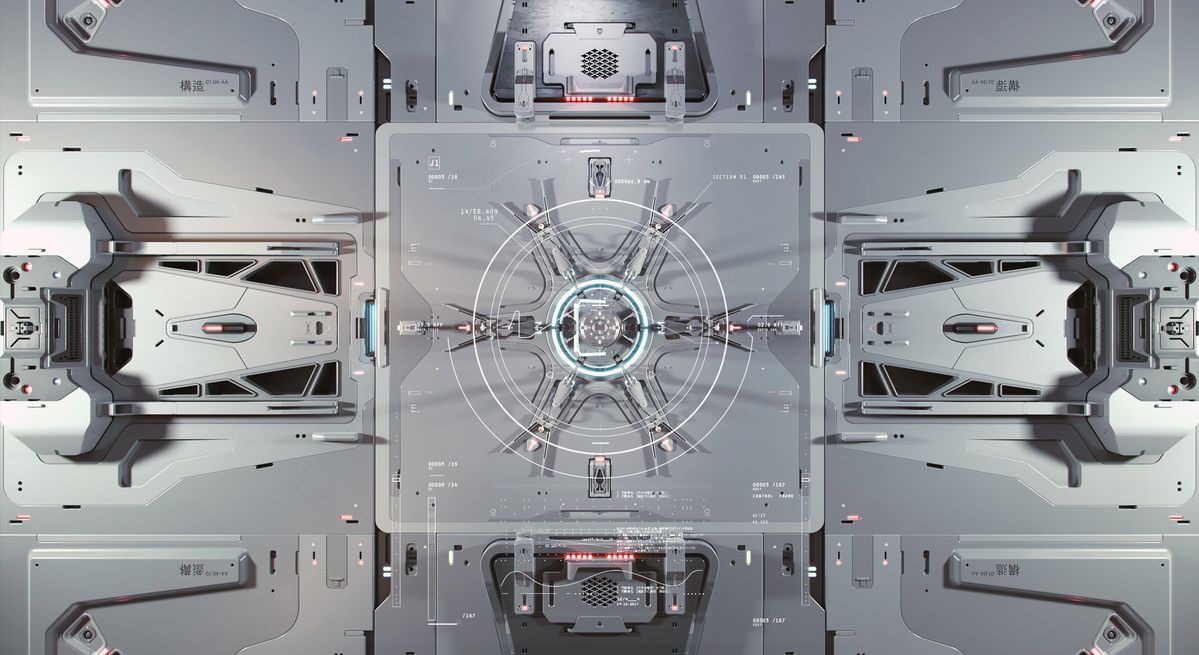
Futuristic engineering design panel

A complete design environment, engineered for what's next

DesignXGenie is professional-grade CAD from the ground up — parametric modeling, sketching, assemblies, and drawings for serious industrial and part design. Everything you expect from tools like AutoCAD or Fusion 360, rebuilt with an AI co-designer at its core.

And Genie keeps getting more capable. The same intelligence that executes your commands today is growing into full generative design — describe a part in plain words or drop in a reference image, and watch it take shape as editable geometry, right inside the same canvas.

We aren't rendering pretty pictures in three dimensions. We're producing geometry that a CNC machine can cut, a mold can fill, and an assembly line can trust.

Artificial intelligence and neural network visualization

Where we operate

Four industries. One co-designer.

Genie speaks the standards, materials, and design conventions of each vertical — so whether you're modeling a bracket or a surgical grip, it works like a specialist on your team.

Automotive Engineering

From under-hood heat shields to Class-A body panels — model automotive parts with a co-designer that speaks the language of PPAP submissions, crash-load paths, and the micron-level tolerances OEM quality gates demand.

  • Engine Components
  • Transmission Systems
  • Chassis & Suspension
  • Interior Mechanisms
  • PPAP Documentation
  • A-Surface Modeling

Electronics & PCB Design

Enclosures that breathe heat away, snap-fits that survive drop tests, and shielding geometries that keep emissions in check — designed faster with Genie handling the repetitive features, ready for injection molding or CNC.

  • Enclosure Design
  • Heat Sink Solutions
  • Connector Housings
  • Cable Management
  • EMI/RFI Shielding
  • Thermal Analysis

Construction & Architecture

Lay out floor plans, structural framing, and building components in a BIM-ready environment — with Genie applying code-compliant details and repetitive elements on command, so you design at the speed of thought.

  • Architectural Design
  • Floor Plans & Layouts
  • BIM Integration
  • 3D Home Rendering
  • Structural Analysis
  • Building Codes

Medical Devices & Equipment

Surgical grips contoured for gloved hands, implant housings sized for sterilization trays, diagnostic enclosures that meet cleanroom rigor — modeled with a co-designer that keeps every part traced to ISO 13485.

  • Surgical Instruments
  • Diagnostic Equipment
  • Implant Components
  • Medical Housings
  • Sterilization Ready
  • ISO 13485 Compliant

How you work with Genie

You design. You ask. Genie delivers.

No new workflow to learn — just a co-designer who's always one command away.

1

Design

Model your part in a full parametric environment — sketches, features, assemblies

2

Select

Click the face, edge, or plane you want to work on — Genie sees exactly what you see

3

Ask

Type or voice your command — "chamfer this face," "hole on this plane," "pattern this feature"

4

Genie executes

The operation lands in your feature tree — parametric, editable, and reversible like any manual step

5

Ship

Export STEP, STL, and production drawings straight from the same workspace

Who it's for

Wherever parts are designed, we accelerate the loop

One platform, many starting points

OEMs & Tier-1s

Cut weeks off vehicle programs by letting every designer move faster — Genie clears the repetitive modeling so your team's hours go into the parts that matter.

Design Houses

Handle more client briefs without more headcount. Your engineers direct, Genie executes — the creative judgment stays human.

Startups

Go from whiteboard sketch to testable prototype in a day, not a quarter. Iterate on hardware as fast as you iterate on code.

Educators

Give students a CAD environment with a built-in co-designer that explains as it works — the fastest bridge between textbook theory and shop-floor practice.

Team

Engineers building tools for engineers

We've spent careers on factory floors and in research labs — now we're combining both worlds.

Srinivas Mahankali

Srinivas Mahankali

LinkedIn
Panchi Samuthrakarni

Panchi Samuthrakarni

LinkedIn
Eka Pillai

Eka Pillai

LinkedIn

Naveen

LinkedIn

Terli

LinkedIn

FAQ

Common questions, straight answers

If you don't find your answer here, hit the demo form and ask us directly.

What exactly is DesignXGenie?

+

A complete CAD platform for industrial and part design — parametric modeling, sketching, assemblies, and drawings, in the same class as AutoCAD or Fusion 360. What sets it apart is Genie, the AI co-designer built into the workspace, ready to execute modeling operations the moment you ask.

What can Genie actually do?

+

Anything you'd rather not click through menus for. Select a face and ask for a chamfer. Pick a plane and tell it to place a hole. Ask it to pattern a feature, shell a body, or apply your standard fillets. Type the request or speak it aloud — Genie understands engineering language and executes inside your live model, with every operation landing in the feature tree as an editable, parametric step.

Is this just a chatbot bolted onto a CAD viewer?

+

No. Genie is native to the modeling kernel — it sees your geometry, your selections, and your design history, and it acts on real B-Rep solids, not screenshots. A chatbot can describe a chamfer; Genie makes one, on the exact face you clicked, at the dimension you asked for.

Does Genie replace our design team?

+

No — it replaces the drudge work. Your engineers still own every design decision; Genie just takes the repetitive operations off their hands so a day's modeling fits into a morning. Think co-designer, not autopilot.

Will DesignXGenie generate full designs from text or images?

+

Yes — that's where Genie is headed. Text-to-3D and image-to-3D generation are being built directly into the same design environment, so you'll describe a part or drop in a reference image and refine the generated geometry with the full CAD toolset. Today, Genie accelerates every step of hands-on design; tomorrow, it starts the design for you.

Let's talk

Ready to design with a Genie at your side?

Tell us what you build and we'll show you how much of your modeling day Genie can take off your hands.